
Human in the loop (HITL) means that an AI agent stops at a defined point and waits for a person to decide before it continues. The typical case is approval before an action that costs money, changes data or reaches the outside world, such as an email to a customer, a bank transfer or a delete command. This article covers the common patterns, how the widely used frameworks and platforms implement approvals, and what the EU AI Act requires for human oversight.
Fact sheet (as of October 2026)
| Attribute | Details |
|---|---|
| Term | Human in the loop, HITL for short; "human oversight" in the EU AI Act (Article 14) |
| Most common pattern | Approving a tool call before it runs |
| Technical prerequisite | The agent's state is persisted so it can resume after minutes or days |
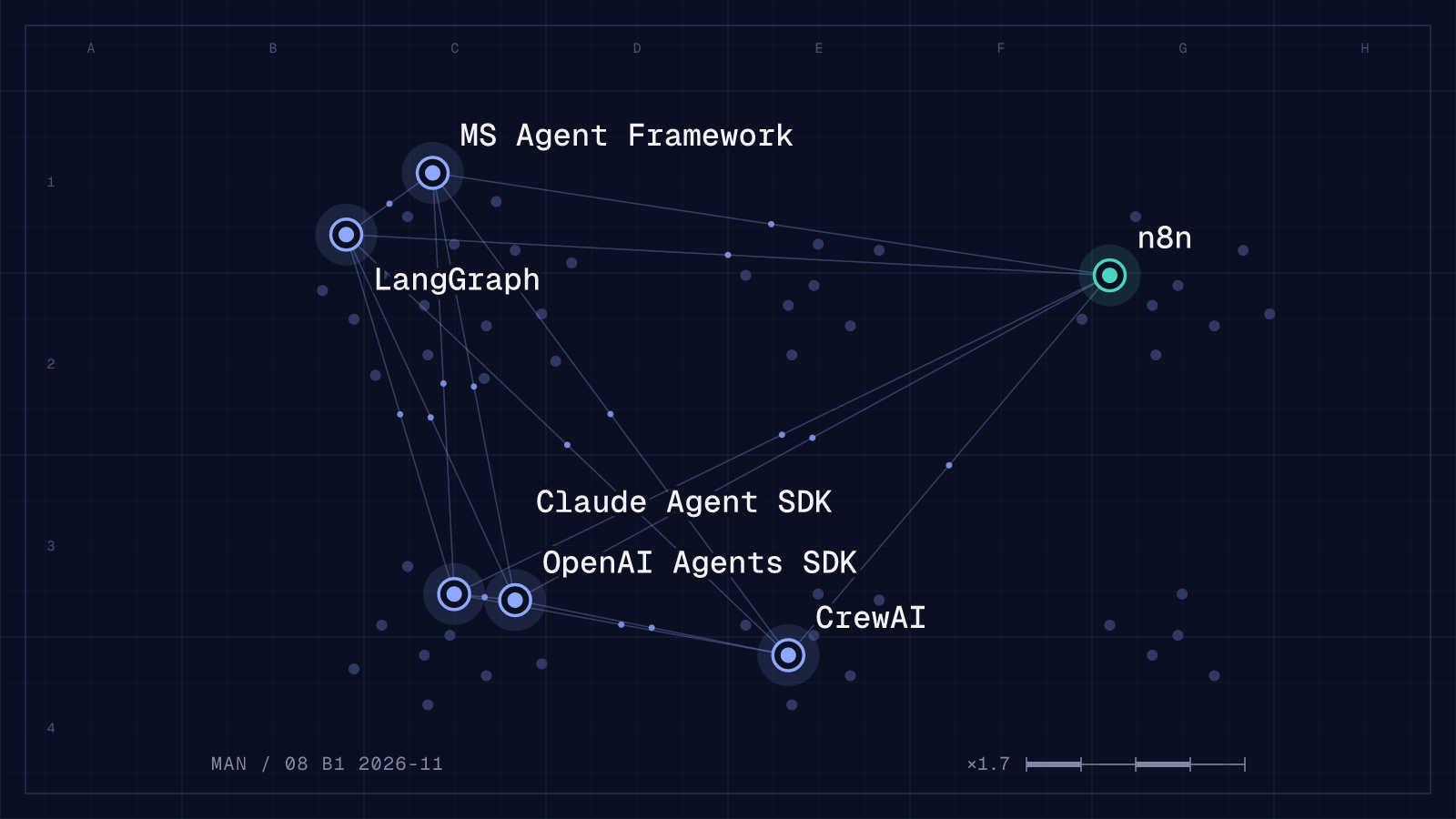
| Built into | LangGraph, OpenAI Agents SDK, Claude Agent SDK, Microsoft Agent Framework, CrewAI, n8n, Amazon Bedrock Agents and others |
| Legal framework | Obligations for high-risk systems under Annex III apply from 2 December 2027, under Annex I from 2 August 2028 (Regulation (EU) 2026/1744) |
When a person should step in
Not every step needs approval. People who have to confirm every call soon click through without reading. Approval makes sense for actions that
- cannot be undone, or only with difficulty: payments, deletions, changes to production systems,
- have an external effect: emails, messages, publications, orders,
- affect people's rights or data: customer data, hiring decisions, credit decisions,
- can get expensive: long runs with many model calls or paid APIs.
Read-only steps such as searching, querying or summarising usually run without approval.
The four patterns
| Pattern | What happens | Example |
|---|---|---|
| Approve | The agent shows the planned tool call with all parameters. A person approves or rejects it. | Refund above 500 euros |
| Edit | The person changes the parameters or the draft before the agent continues. | Reply email to a customer |
| Ask | The agent is missing information and asks instead of guessing. | Which customer account is meant? |
| Review afterwards | The agent works on its own, a person checks samples or all results before they take effect. | Classified invoices before posting |
After a rejection, the agent should know what to do: stop, suggest an alternative or ask. The n8n documentation recommends defining this in the system prompt.
How frameworks and platforms implement HITL
All systems listed here follow the same flow: the run pauses, the pending decision is saved together with the state, and after the answer the agent continues at the same point.
| System | Mechanism | Notable detail |
|---|---|---|
| LangGraph | interrupt() in a node, resume with Command(resume=...) |
Requires a checkpointer. On resume, the whole node runs again from the start. |
| OpenAI Agents SDK | needs_approval on the tool, pending approvals in result.interruptions |
State can be saved with state.to_json() and resumed later. Approvals also for MCP servers. |
| Claude Agent SDK | Permission rules, modes such as default, plan or dontAsk, and the canUseTool callback |
Fixed order: hooks, deny rules, ask rules, mode, allow rules, then canUseTool. |
| Microsoft Agent Framework | ApprovalRequiredAIFunction (.NET), @tool(approval_mode="always_require") (Python) |
By default, an approval only counts for a pending request in the same session. |
| CrewAI | @human_feedback decorator in Flows (from version 1.8.0), webhooks in the Enterprise edition |
Negative feedback makes the crew retry the task with that feedback. |
| n8n | "Human review" in the tools panel of the AI Agent node | Approval via chat, Slack, Teams, Telegram, Discord, Gmail, Outlook, WhatsApp or Google Chat. |
| Amazon Bedrock | Confirmation per action in the action group, answer via returnControl |
The application sends back CONFIRM or DENY. |
LangGraph: interrupt and resume
In LangGraph, a node calls interrupt() with any JSON value, for example the planned tool call. The graph pauses, and the result contains the open question under __interrupt__. The run is found again by its thread_id and resumed with Command(resume=...). For production, the documentation recommends a durable checkpointer, meaning a database instead of InMemorySaver.
One practical point: on resume, LangGraph does not jump to the line after interrupt(). It runs the whole node again. Code placed before the interrupt therefore runs twice. API calls and other side effects belong after the interrupt or in a separate node. According to the documentation, the static breakpoints interrupt_before and interrupt_after are meant for debugging, not for HITL. More on the framework is in the article LangGraph.
from langgraph.types import interrupt, Command

def refund_node(state):
    decision = interrupt({"action": "refund", "amount": state["amount"]})
    if decision != "approve":
        return Command(goto="notify_customer")
    # Only trigger the refund after approval
    issue_refund(state["order_id"], state["amount"])
    return Command(goto="done")
OpenAI Agents SDK: approval on the tool
In the OpenAI Agents SDK, a tool gets needs_approval=True or a function that decides per call. When the agent wants to use the tool, the run ends with entries in result.interruptions. result.to_state() creates a RunState on which you call approve(...) or reject(...). Runner.run(agent, state) then resumes the run. Local and hosted MCP servers can be guarded the same way with require_approval.
The documentation names two points that are easy to miss: saved states are not signed and belong on your own server. And an approval does not guarantee exactly-once execution. Payments and similar actions need idempotency keys.
Claude Agent SDK: rules, modes and callback
The Claude Agent SDK checks every tool call in a fixed order: hooks first, then deny rules, ask rules, the permission mode and allow rules. Whatever is still undecided reaches the canUseTool callback, where your application can ask a person. The plan mode only lets the agent plan, dontAsk denies anything that would need a prompt. The documentation warns that a tool already approved by an allow rule or a permissive mode never reaches canUseTool. Checks that must run on every call belong in a PreToolUse hook.
Microsoft Agent Framework: approval bound to the session
In the Microsoft Agent Framework, a function is wrapped with ApprovalRequiredAIFunction in .NET, marked with @tool(approval_mode="always_require") in Python, or wrapped with tool.ApprovalRequiredFunc in Go. The run then ends with an approval request, and the application sends the decision back in the same session. By default, an approval only counts for a pending request in the same session. According to the documentation, turning this binding off risks a forged or replayed approval starting a privileged tool.
n8n and other no-code platforms
In n8n, approval is set up in the tools panel of the AI Agent node. You choose a review channel and connect the affected tools behind it. The reviewer sees the tool and its parameters and approves or denies. On denial, the action does not run and the agent is told. Approval also works when an agent runs as a tool of another agent.
What the EU AI Act requires
Article 14 of the AI Act requires that high-risk systems can be effectively overseen by people while in use. Oversight should match the risk, the level of autonomy and the context of use. The people in charge must be able, among other things, to
- understand the system's capabilities and limits and monitor its operation,
- remain aware of the tendency to over-rely on its output,
- interpret the output correctly,
- decide in a given case not to use the system or to disregard its output,
- intervene in its operation or stop it safely, for example with a stop button.
For agents the last point matters most: a running agent must be stoppable, not just a single tool call.
These obligations do not apply to every agent, only to high-risk systems, for example in recruitment, lending or critical infrastructure. Regulation (EU) 2026/1744 of 8 July 2026 (Digital Omnibus on AI) moved the dates: for high-risk systems under Annex III the obligations apply from 2 December 2027 instead of 2 August 2026, for AI in regulated products under Annex I from 2 August 2028. Whether a specific agent falls under these rules is a legal question for each case. This article is not legal advice.
Common mistakes
- Too many approvals: asking for confirmation on every read trains people to click through. Approvals belong on actions with an effect.
- Too little context: a reviewer who only sees "send_email" cannot decide. They need the recipient, the content and the reason.
- Side effects before the interrupt: in LangGraph, code before
interrupt()runs again on resume. An email sent there goes out twice. - State only in memory: an agent waiting for approval can sit for hours. Without durable storage, the decision is lost after a restart.
- Not checking who approves: the OpenAI and Microsoft documentation advise verifying the reviewer's identity and permissions and only accepting decisions for pending requests.
- No plan for rejections: without instructions, an agent may retry the same call after a "no".
Frequently asked questions
What is the difference between human in the loop and human on the loop?
With human in the loop, the agent waits for a decision at fixed points. With human on the loop, it works on its own while a person monitors operation and steps in when needed. Neither term is standardised. Article 14 of the AI Act requires both: being able to disregard results and being able to stop the system.
Does every AI agent need approvals?
No. An agent that only reads and summarises usually does without. Approvals pay off for actions with external consequences or high costs.
How long can an agent wait for approval?
As long as its state is stored. LangGraph describes that an interrupted run can pause indefinitely. The OpenAI Agents SDK stores the state as JSON. Both require the state to live in a database, not only in memory.
Can I set up HITL without code?
Yes. n8n offers approval of tool calls through several channels, including Slack, Microsoft Teams and Telegram. An overview of other platforms is in the article AI agents without code.
Sources
Checked on 29 October 2026.
- LangGraph: Add human in the loop
- OpenAI Agents SDK: Human in the loop
- Claude Agent SDK: Configure permissions
- Microsoft Agent Framework: Tool approval
- CrewAI: Human in the loop
- n8n: Human in the loop for tool calls
- Amazon Bedrock: Get user confirmation before invoking an action group function
- Regulation (EU) 2024/1689 (AI Act), Article 14
- Regulation (EU) 2026/1744 (Digital Omnibus on AI), Official Journal